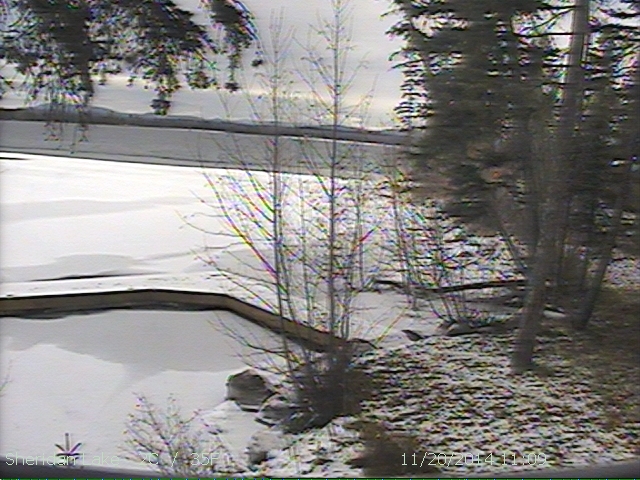
Do you want to know how to make the hours and minutes go by even slower on a Friday? As your sitting at work in the office and staring out the window and waiting to get in the car and head North... why not put the Lake picture right on your 'desktop' and have it refreshed every 10 minutes...
I have it full screen and set the power option to not turn off the monitor after 10minutes. That way when I walk by the desk, it looks like I'm looking out the window (albeit a dirty fuzzy window).
here's how I did it on XP Pro...
note: if it's not updating regularly... check the setting in your browser that refreshes a page every visit to the website. In IE it's Tools/Options/Settings "check for newer versions..." you'll want that on "every visit"
Right click on 'desktop' and select properties
Select the Desktop Tab and then the Customize Desktop button
Select the Web Tab and then the New button
In the Location box type... http://www.beddowtree.com/sheridan/lake.jpg OK and OK
Now select the properties button for the item you just added and then the Schedule Tab
Check the box for My Scheduled Update and then Edit... and now the Schedule Tab
Change the Schedule Task from Daily to Once and the the Advanced button
Check the Repeat task and leave it at 10 minutes but up the Duration to 9000 Hrs (that should keep this refreshing for about a year...) OK and OK and OK and OK and OK
That should put the picture on your 'desktop'! I refresh the picture every 10 minutes so depending on when your settings started you should be pretty up to date.
Good Luck and enjoy, see ya up at the Lake this summer!
Rob